
Prices and information
What Kitbag is, what each app does and costs, the trade bundles and add-ons, and how to reach us.
Independent software, built properly.
Kitbag by Drewery is the trades business of Drewery & Co., an independent UK company. We design, build and support simple Windows apps for UK trades and service businesses.
We don't sell your data and we don't build products we wouldn't use ourselves. Each product focuses on one real problem and solves it simply, and we keep improving it after launch.
Today we make the Kitbag apps for trades and service businesses: Phone, Calendar, Quotes, Customers, Team and Tax. They work on their own or together, trade bundles put the right ones together for less, and Kitbag Hub brings all six into one. Add-ons (Certificates, Book and Pay) plug extra features into the apps you have.
Six apps for trades and service businesses. Each one is a separate Windows app with its own job, and you can buy and use it on its own. Put two or more on the same PC and they share the same customers, bookings, team and settings, so a missed call becomes a quote becomes a booking becomes an invoice without typing anything twice. Texts to customers go out through Kitbag Phone from your own business number.
A customer calls
Missed? Kitbag Phone texts them back by name. In the conversation, press Book or Quote.
Quote and book
Quotes shows your profit as you quote and chases the customer. Calendar confirms and reminds.
Do the job, get paid
Team sends the job sheets and keeps the hours. The invoice goes out by text, with reminders until it's paid.
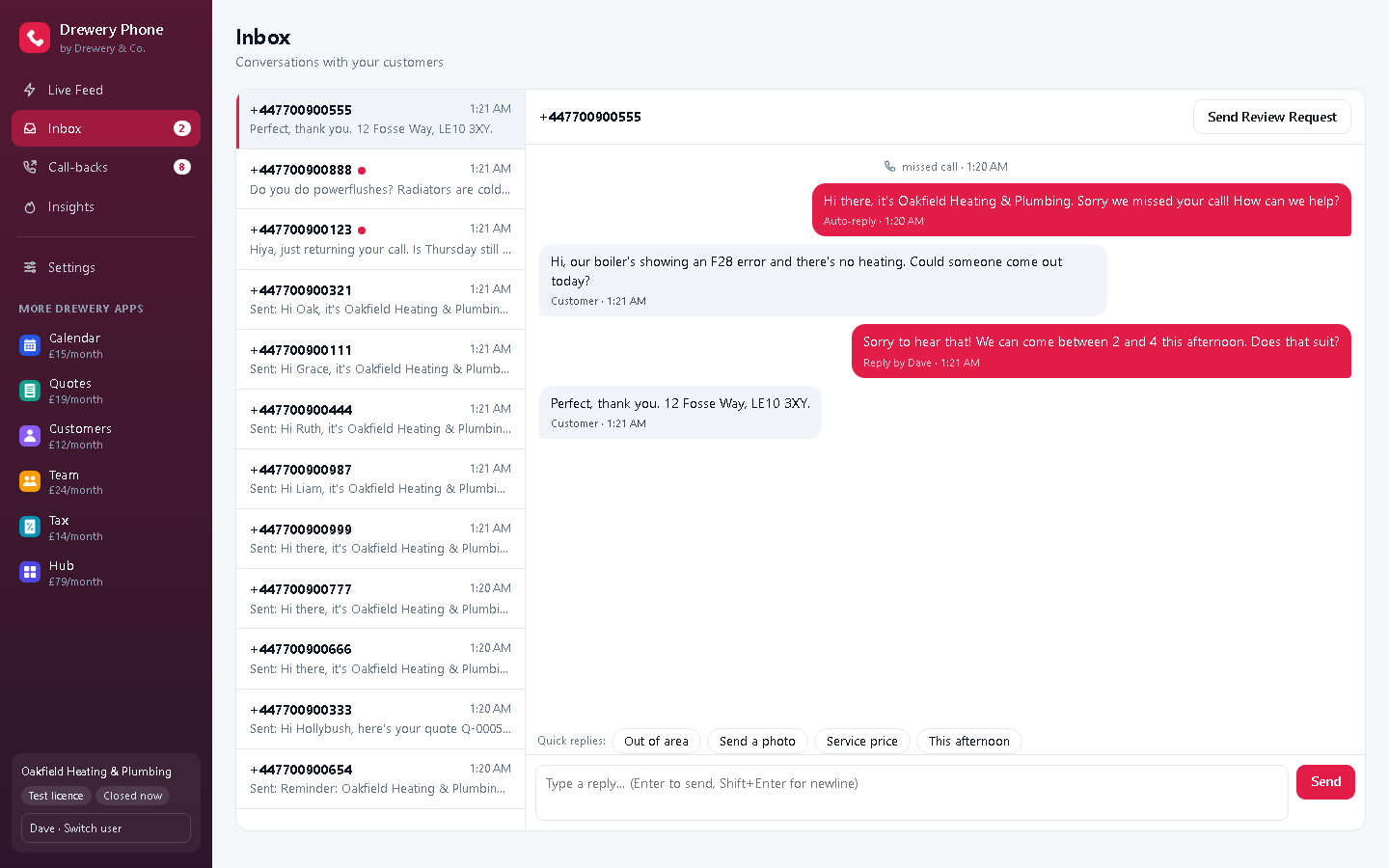
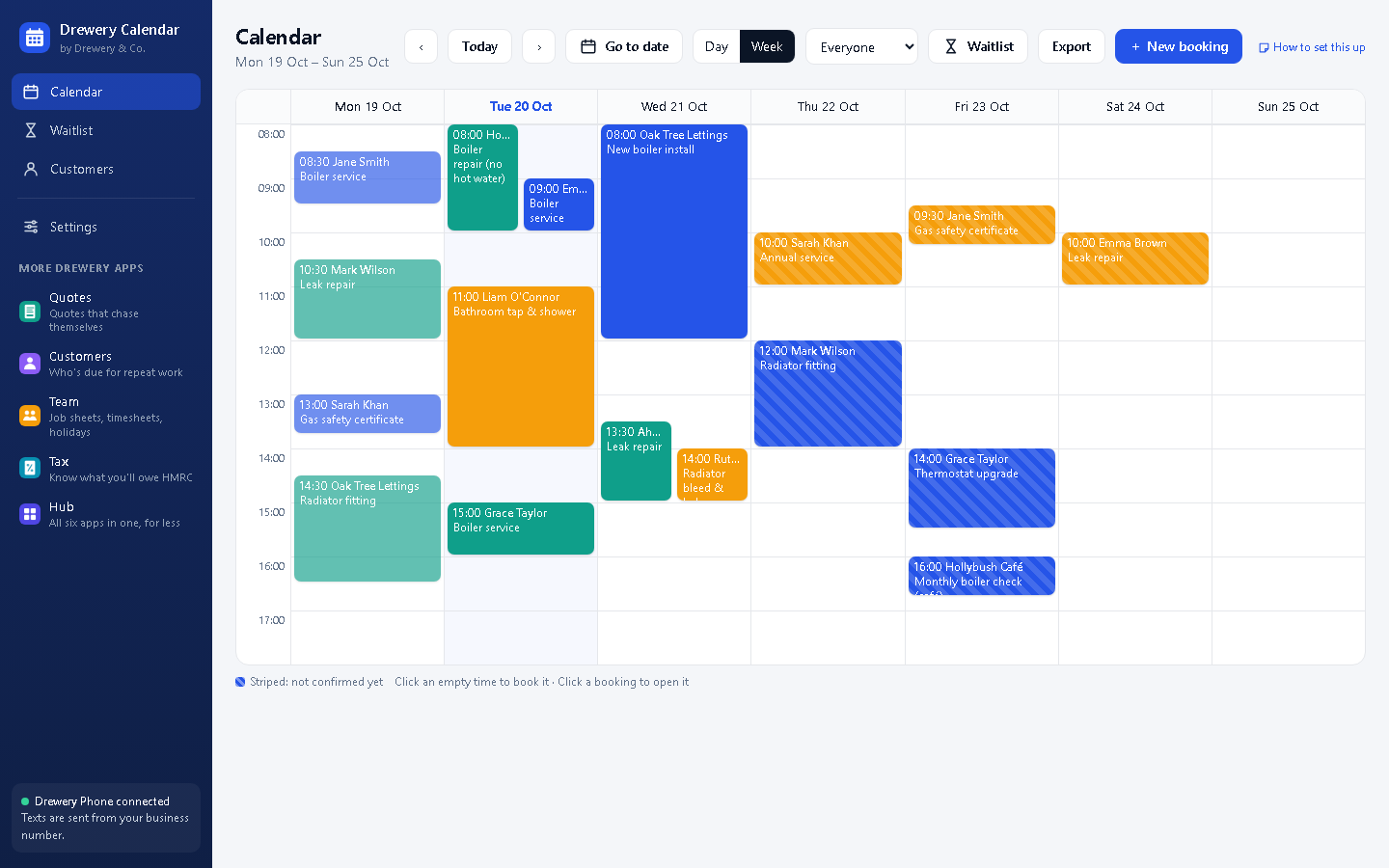
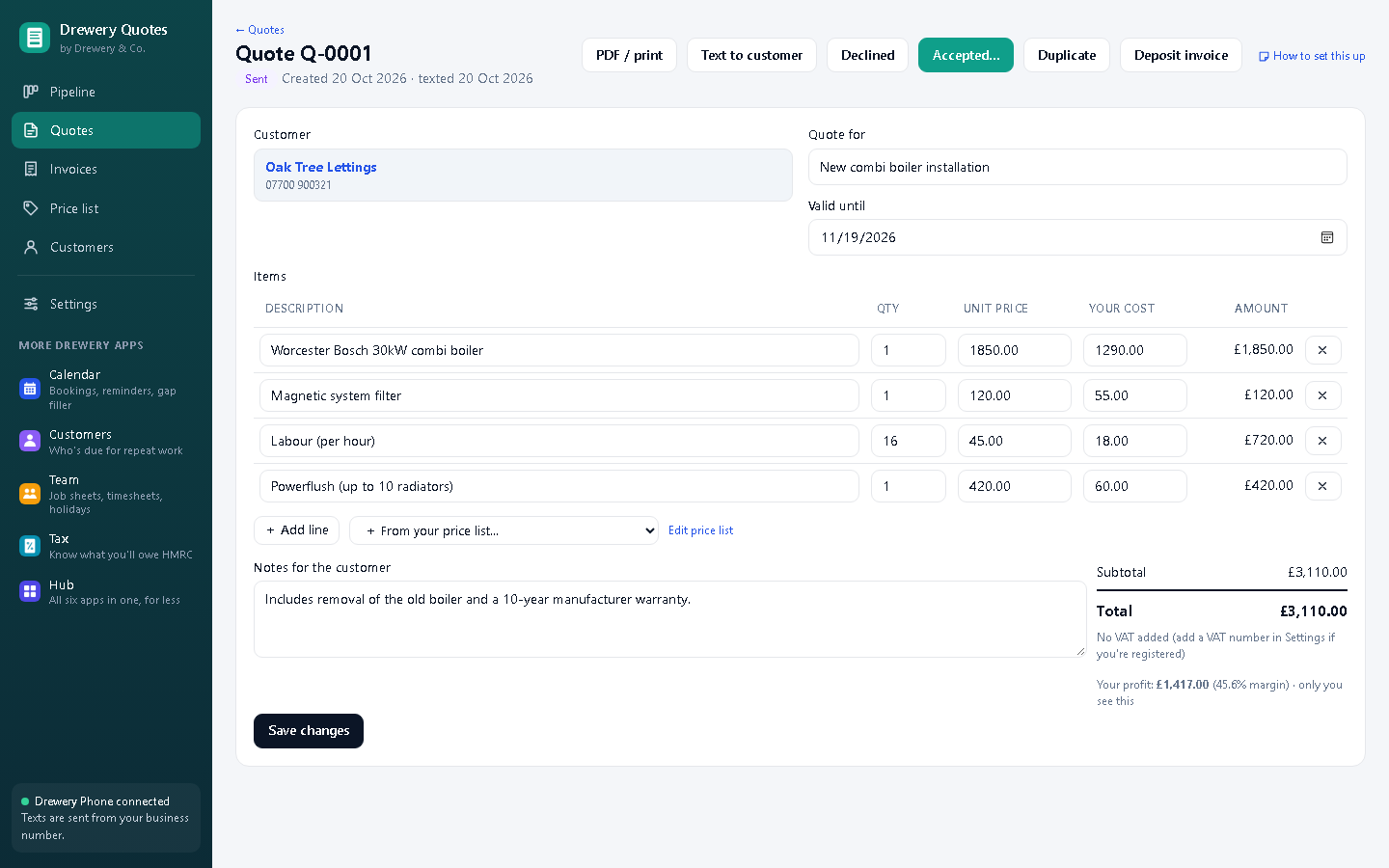
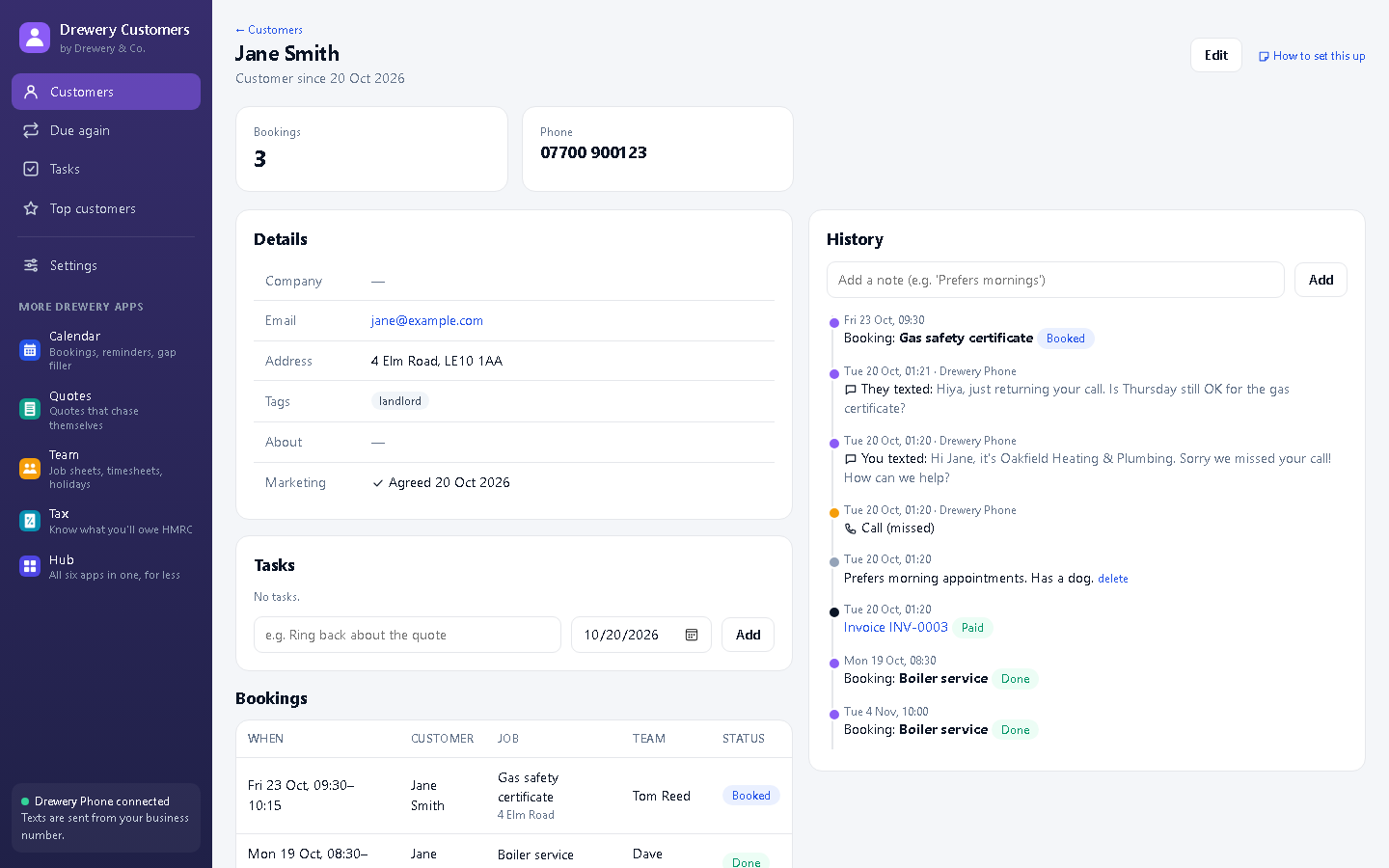
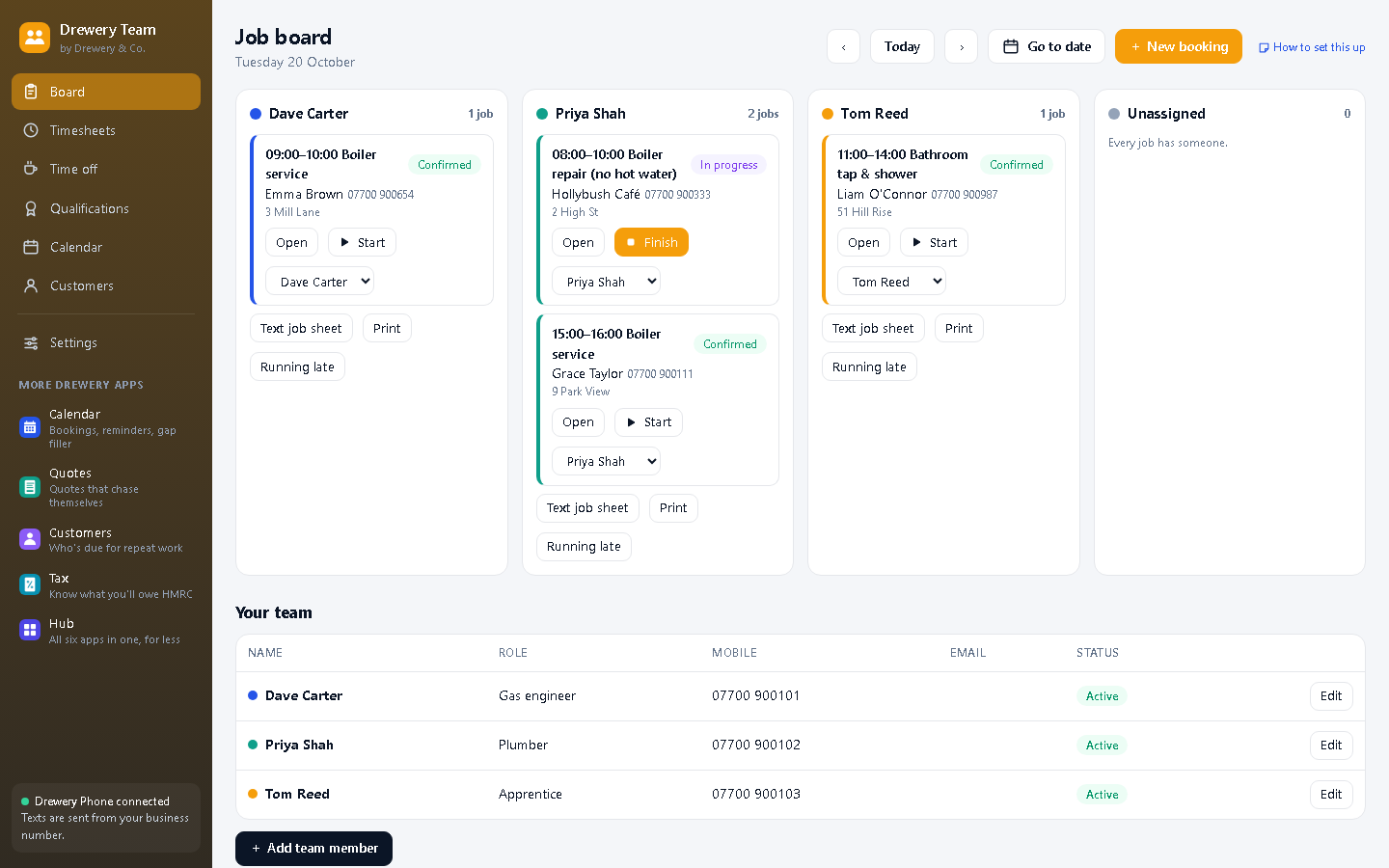
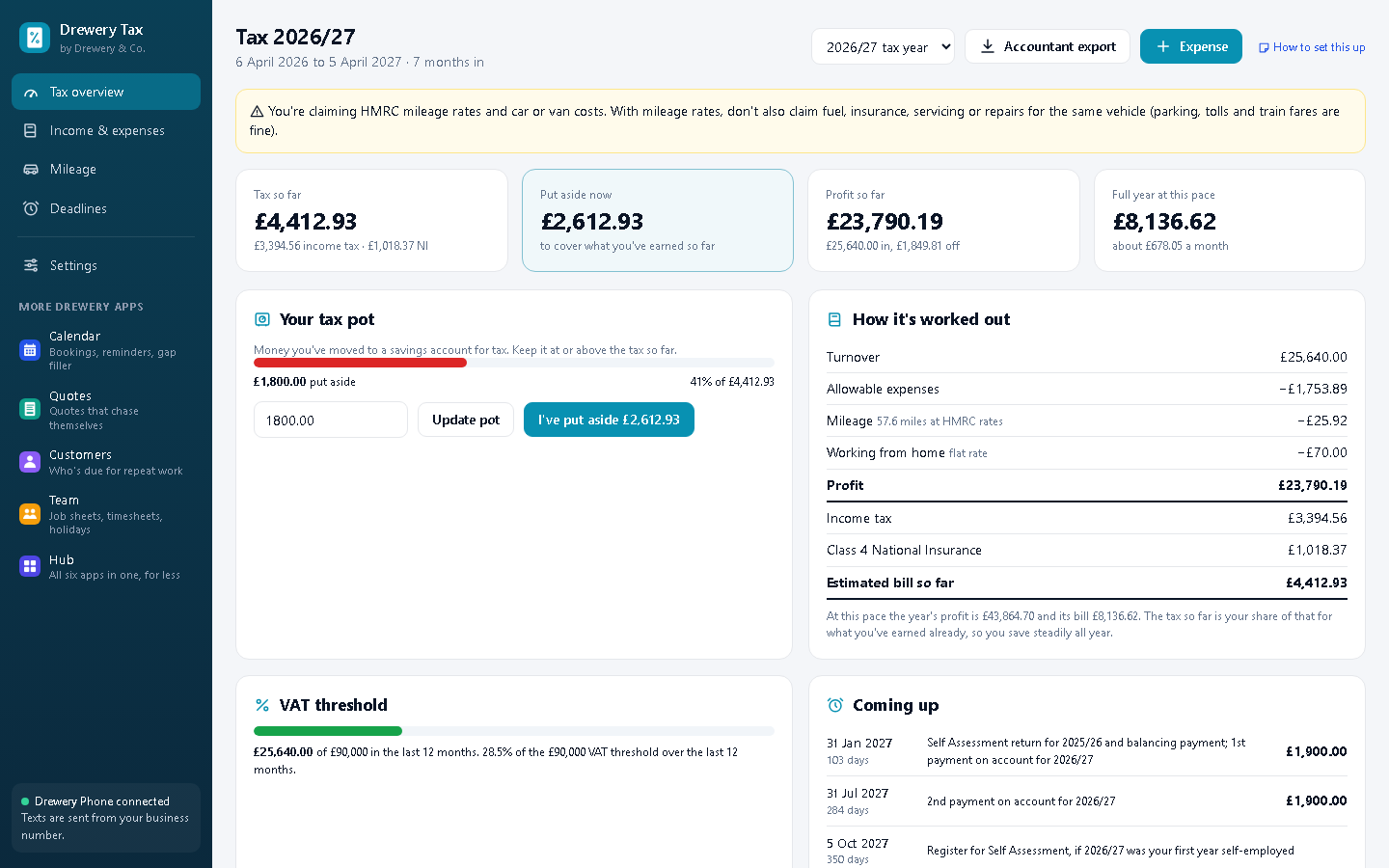
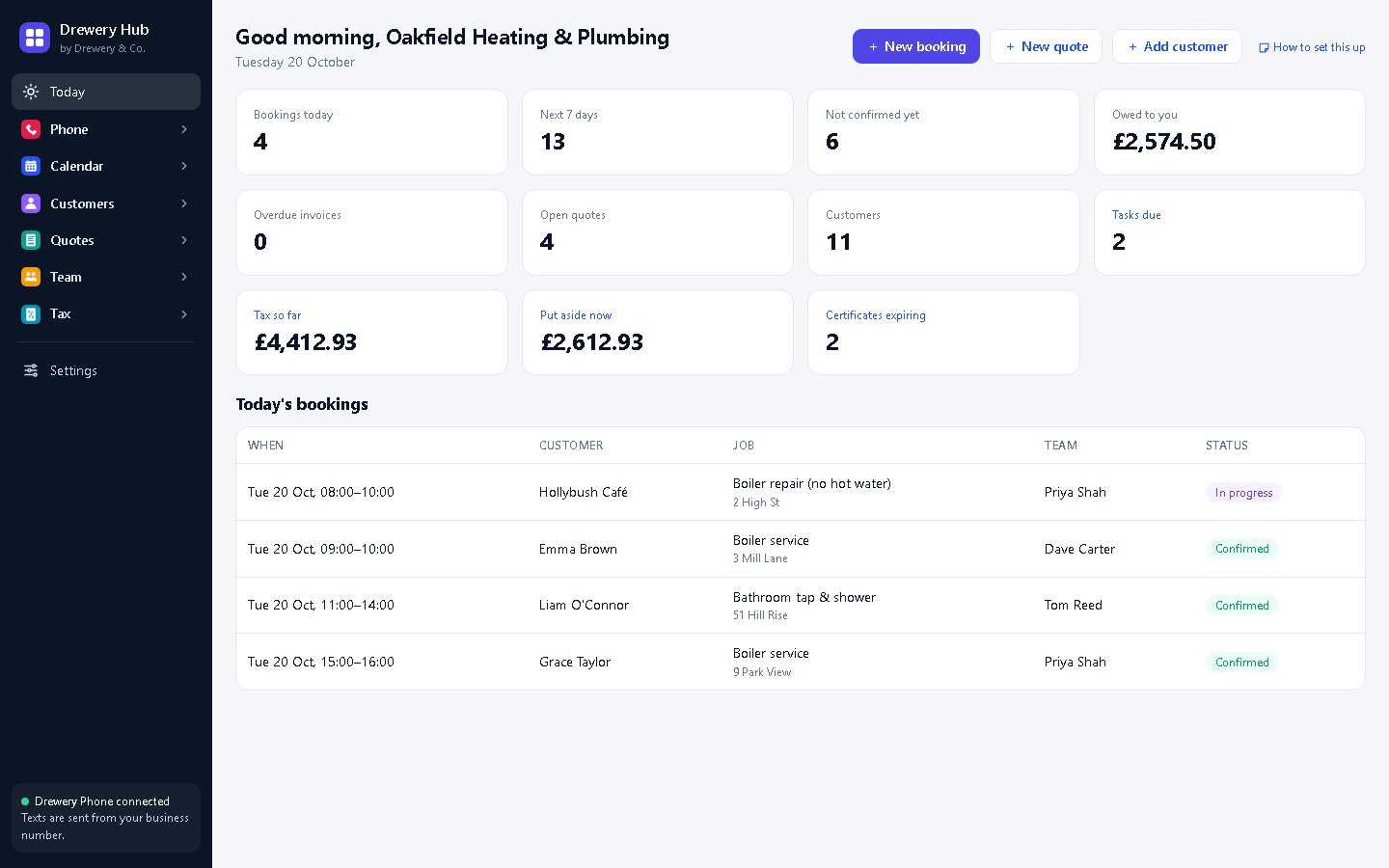
Screenshots show a fictional business and reserved demonstration phone numbers.
Everything, for one price
Kitbag Hub
All six Kitbag apps in one window: Kitbag Phone, Calendar, Quotes, Customers, Team and Tax. One licence, one price, everything shared.
- Kitbag Phone, Calendar, Quotes, Customers, Team and Tax
- Book, quote and invoice from any call or text
- Unlimited team members
Or pick single apps
 Phone
- Instant text-back, by the caller's name
- Shared inbox with quick replies
- Call-back list and blocked numbers
- Missed-call heatmap
- Google review requests
- AI replies and several lines
 Calendar
- Day and week diary, by team member
- Text confirmations and reminders
- Gap filler waitlist
- Repeat bookings and travel time
- No-show warnings
- Morning briefing and calendar export
 Quotes
- Quotes with line items and VAT
- Your profit and margin on every quote
- Price list and pipeline
- Quote chaser follow-ups
- Deposit invoices
- Automatic payment reminders
 Customers
- Every customer, searchable, with tags
- Full history in one timeline
- Due again: repeat work reminders
- Tasks and top customers
- Duplicate finder and merge
- CSV import, export and consent record
 Team
- Daily board of who's doing what
- Job sheets by text every evening
- Running late in one tap
- Timesheets and pay estimates
- Holidays, time off and workload
- Qualifications with expiry warnings
 Tax
- Live Income Tax and NI estimate
- Tax pot: what to put aside now
- Income from paid invoices, by itself
- Mileage from your bookings
- Bank import that learns, and receipts
- VAT watch, MTD quarters and deadlines
Prices are per app, per month, and exclude VAT where applicable. Every app includes a customer list and unlimited employees. Requires Windows 10 or 11. Texting: customers are texted through Kitbag Phone on the same PC, which uses your own Twilio number, so you pay Twilio's per-text rate directly (UK texts are a few pence each); there's a 5,000-texts-a-month safety limit. Without Kitbag Phone, you can still print and save quotes, invoices and job sheets as PDFs.
Trade bundles
The apps most businesses in your trade use, together for about a quarter less. One licence key: install Kitbag Hub, add the key, and it shows every app in your bundle. Add more apps or add-ons any time.
Plumbing & Heating
Bookings, quotes, repeat services and gas safety records.
Building & Carpentry
Your team's day, quotes, tax, and RAMS for site work.
Electrician
Bookings, quotes and invoices, repeat work and tax.
Hair, Beauty & Grooming

Reminders, rebooking, client notes and online booking.
Cleaning
Your cleaners' rounds, regular clients and online booking.
Add-ons
Add-ons add a feature to a Kitbag app you already have. They don't work on their own and there's nothing extra to install: add the add-on's key in the app it plugs into (Settings → Add a licence key) and its screen appears there. Add-ons aren't included in Kitbag Hub.
 Certificates
- Landlord gas safety and service records
- Risk assessments and method statements
- Daily van checks
- MOT, tax and insurance reminders
- Signed on screen, PDF in your name
- Due-date reminder texts
 Book
- Your own booking page at dreweryco.uk/book
- Only your real free times are offered
- Bookings land straight in your diary
- Confirmation texts sent for you
- A button for your website and Google
- No customer data kept on our servers
 Pay
- "Pay by card" link on every invoice
- Paid into your own Stripe account
- No fee from us on payments
- Invoices marked paid by themselves
- Links close after one payment
- Works for deposits too
How buying works
- Request a licence for each app you want, a trade bundle, or Kitbag Hub. We'll email you an invoice.
- Pay by bank transfer within 14 days, using the invoice number as the reference.
- Get your licence key by email, download the app, and paste the key into the app (in Kitbag Phone, when it first opens; in the others, Settings → Add a licence key). A Hub key also activates Kitbag Phone.
Each key works on one computer, and your team can use it from their own PCs and phones: switch on Team access and they connect to that computer over your own Wi-Fi, each with their own PIN. Your customers, bookings, quotes and invoices are stored on your own PC, not on our servers. Licences run for the number of months you choose, and renew by invoice. To cancel, just don't pay the next invoice, or tell us. See our Terms.
Common questions
What is a Drewery & Co. account for?
Your account lets you sign in to this website with Google or with an email address and password. You can use it to reach our products in one place. You can delete it at any time from your account page.
What personal data do you collect?
Only what's needed to run your account: your name, email address and, if you sign in with Google, your profile photo. We don't use advertising or analytics cookies. Our Privacy Policy has the full details.
Where is Kitbag Phone data stored?
On your own PC. Kitbag Phone keeps its database and settings in your Windows user folder, and its settings are encrypted. Text messages are sent and received through your Twilio account.
Where do the Kitbag apps keep my customers and bookings?
On your own PC, in your Windows user folder, shared by whichever Kitbag apps you have. We don't receive your customer list, bookings, quotes or invoices. Texts go through your Kitbag Phone and your Twilio account. Back up your PC as you normally would.
Do I need all six Kitbag apps?
No. Each Kitbag app works on its own, and they share data when you have more than one. Kitbag Team includes the Calendar diary. Texting customers from Calendar, Quotes or Team uses Kitbag Phone on the same PC; without it you can still print quotes, invoices and job sheets. Kitbag Hub gets you all six for less.
How do I get a Kitbag Phone licence?
Choose Request a licence under Kitbag Phone (or Kitbag Hub, which includes it). We'll email you an invoice, and once you've paid by bank transfer we'll send your licence key. Paste it into the setup wizard when you first open Kitbag Phone.
Can I use one licence on more than one computer?
No. Each licence activates on one computer, and Kitbag Phone checks this online. If you get a new computer, send us a message and we'll move your licence for you. To confirm a licence is yours, open Settings → Plan & license in Kitbag Phone: it shows your business name and "Activated on this computer".
How do I delete my account or my data?
Sign in, open My account and choose Delete account. You can also send us a message and we'll do it for you.
Get in touch.
For product questions, licences, partnerships, privacy requests or anything else, send us a message and we'll reply by email as soon as we can.
- Trading name
- Registration
- Legal
- Business details and terms · Privacy · Cookies