
 Vanity app
Vanity Quotes
Quotes, deposits and invoices for the big days.
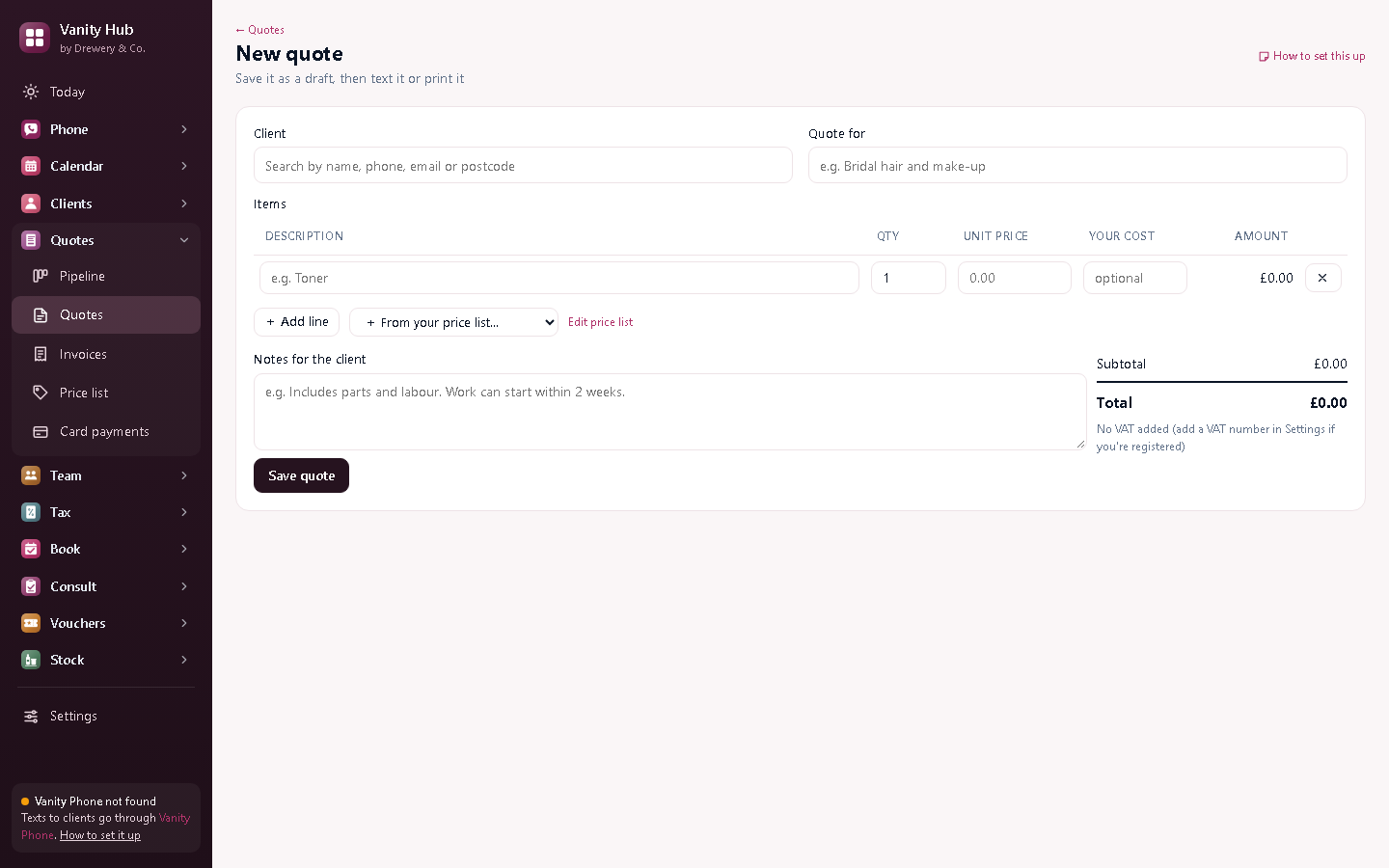
Weddings, proms, events and packages: build a quote from your price list, take a deposit, and invoice when it's done. Your bank details go on every invoice.
 Or get all six apps for £49 a month. Vanity Hub includes Quotes and the other five, worth £79 separately.→
Quotes that follow themselves up.
Sent a bridal quote and heard nothing? The quote chaser texts a polite follow-up after a few days (you choose how many), so the booking doesn't quietly go to someone else.
Big days, booked properly.
Quote the bridal party, take a deposit, invoice when it's done.
Start a free 14-day trialEverything in Vanity Quotes
Your price list
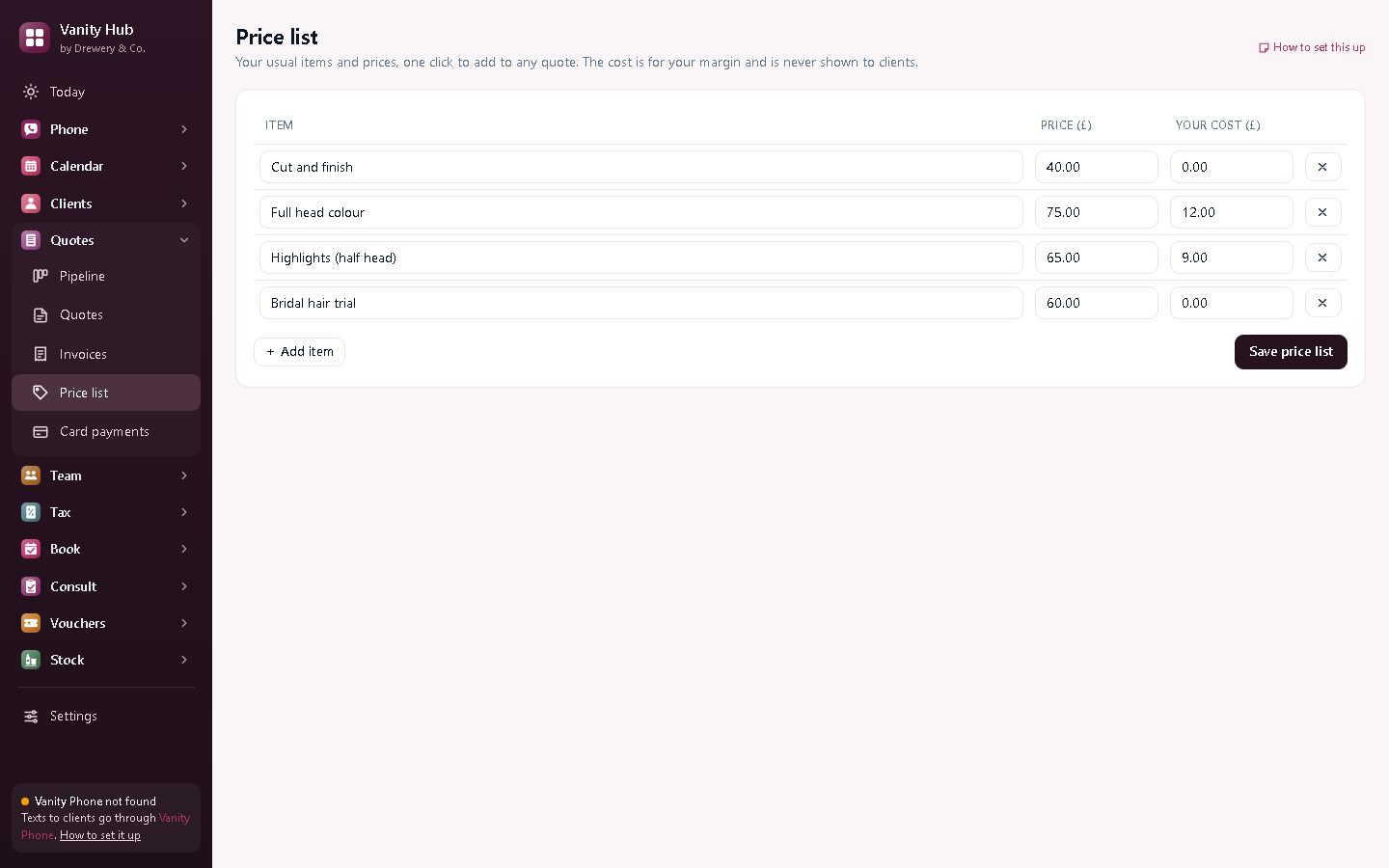
Your services and products once, with what they cost you, then one click to add them.
Quotes
Line items and VAT worked out for you (once you add a VAT number).
Quote chaser
Polite follow-up texts when a client goes quiet.
Deposit invoices
Ask for a deposit when they say yes: you set the usual percentage.
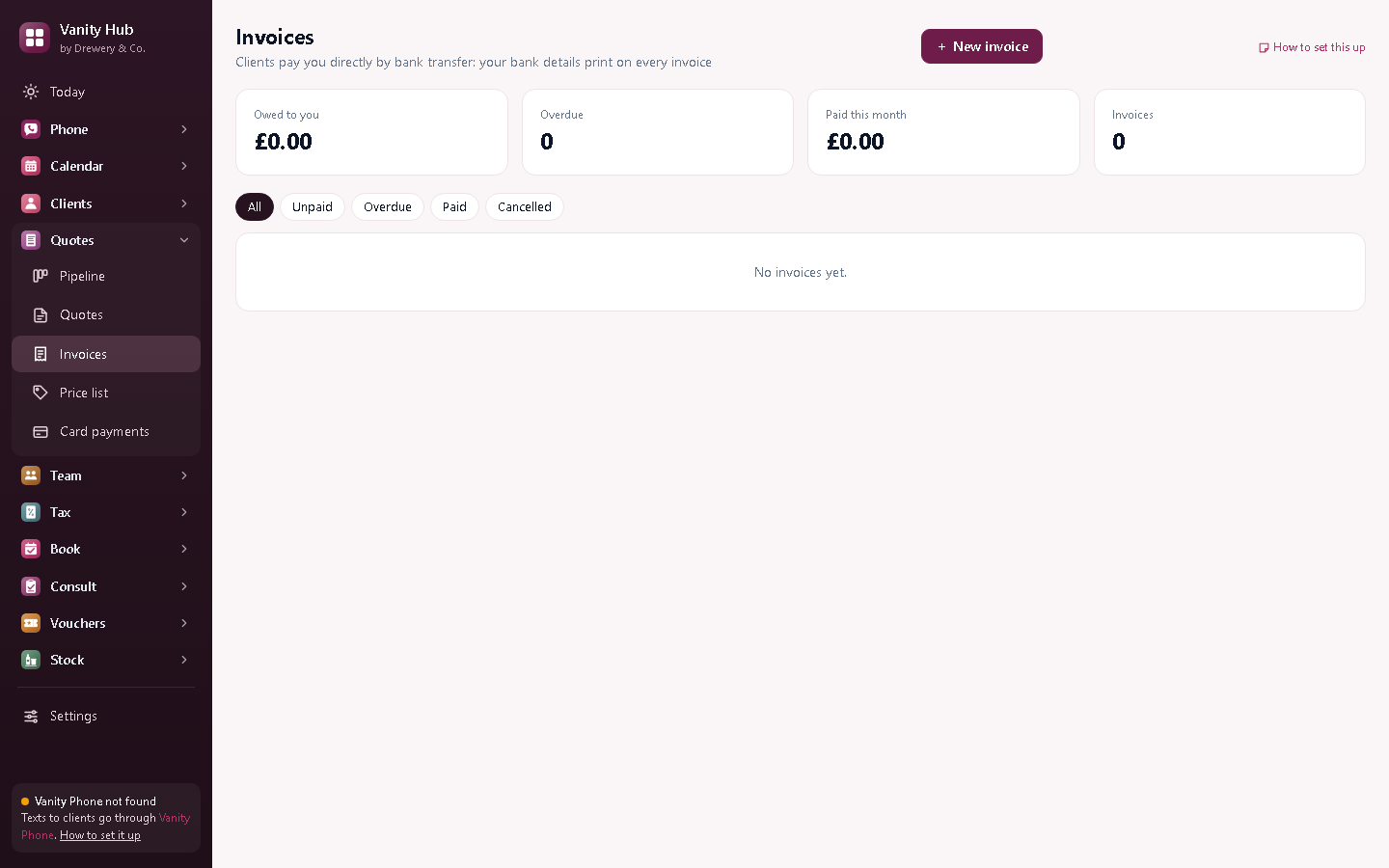
Invoices
Turn an accepted quote or a finished appointment into an invoice.
Payment reminders
Overdue invoices get polite reminders, by themselves.
PDF or text
Text it, email the PDF, or print it.
Pipeline
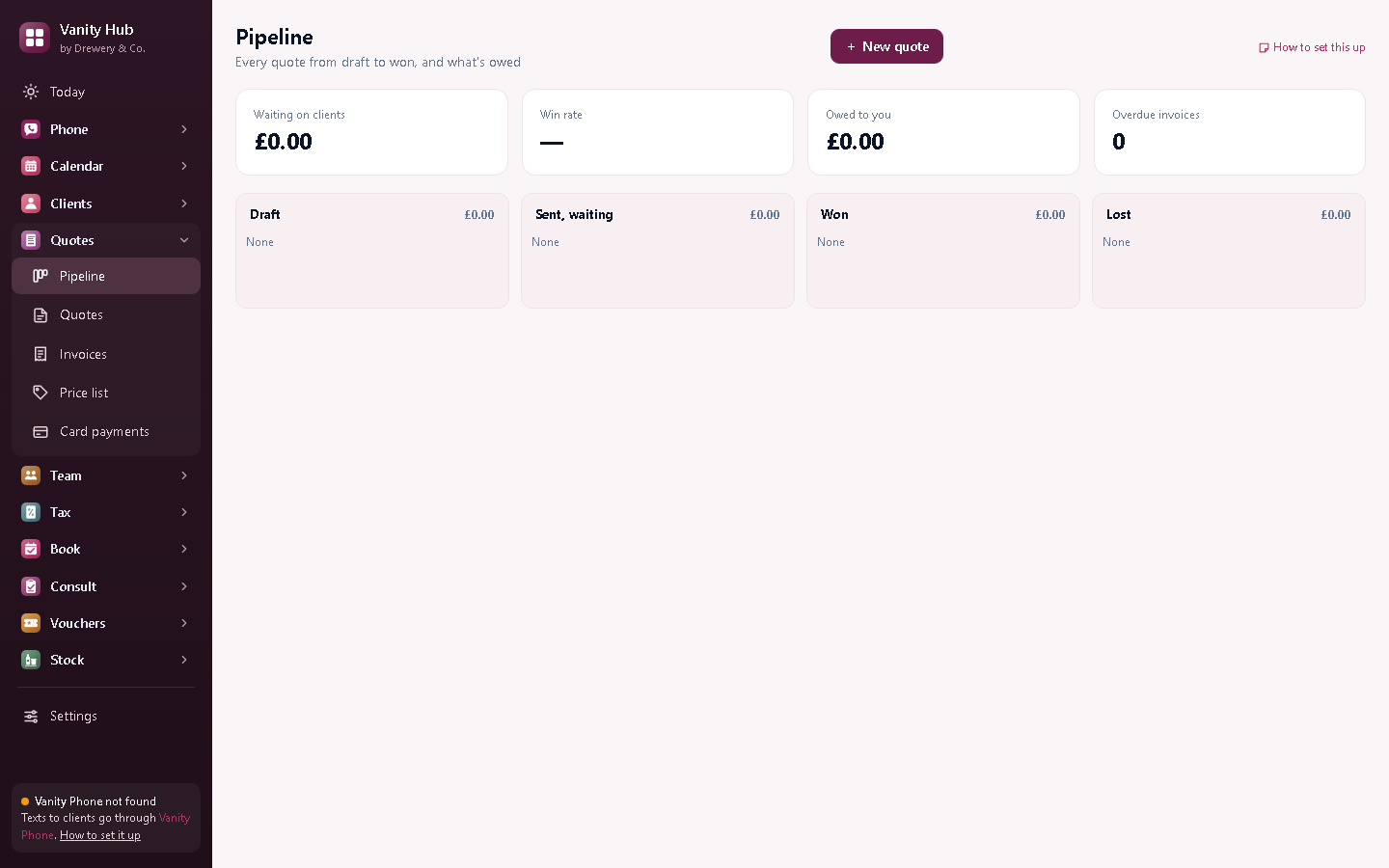
Every quote by stage: sent, accepted, declined.
Better with the other Vanity apps
Each Vanity app works on its own. Put two or more on the same PC and they share your clients, column book and team.
- With Vanity Pay, invoices and deposits get a Pay by card link
- Accepted quotes book into Vanity Calendar in one click
- Paid invoices go straight into Vanity Tax
Want them all?
Vanity Hub is all six Vanity apps in one window, Vanity Phone included, for £49 a month (worth £79 separately, so you save £30).
Can clients pay by card?
Yes, with the Vanity Pay add-on (£5 a month): a Pay by card link on invoices and deposits, paid into your own Stripe account.
Do I need to be VAT registered?
No. VAT only appears once you add a VAT number in Settings.
Can my staff use it on their own PC or phone?
Yes. Your licence stays on your main computer, and your staff connect to it over your own Wi-Fi: install the app on their PC and choose "Connect to the main computer", or open it in their phone's browser. Each person signs in with their own PIN, and you choose whether they see just their own appointments or the whole office.
How do I buy it?
Request a licence and we'll email an invoice. Pay by bank transfer, and your licence key arrives by email. Each key works on one computer. Choose how many months you want (1 to 120), and nothing renews unless you pay the renewal invoice.
 Phone£25 a month
 Calendar£10 a month
 Customers£8 a month
 Team£15 a month
 Tax£9 a month
 Book£6 a month
 Pay£5 a month
 Consult£6 a month
 Vouchers£6 a month
 Stock£5 a month