
 Vanity app
Vanity Team
Your stylists' days, sorted.
Who's in, who's off and what's booked for everyone. Each stylist gets their day sheet by text the evening before, and their hours and holidays are kept in one place.
 Or get all six apps for £49 a month. Vanity Hub includes Team and the other five, worth £79 separately.→
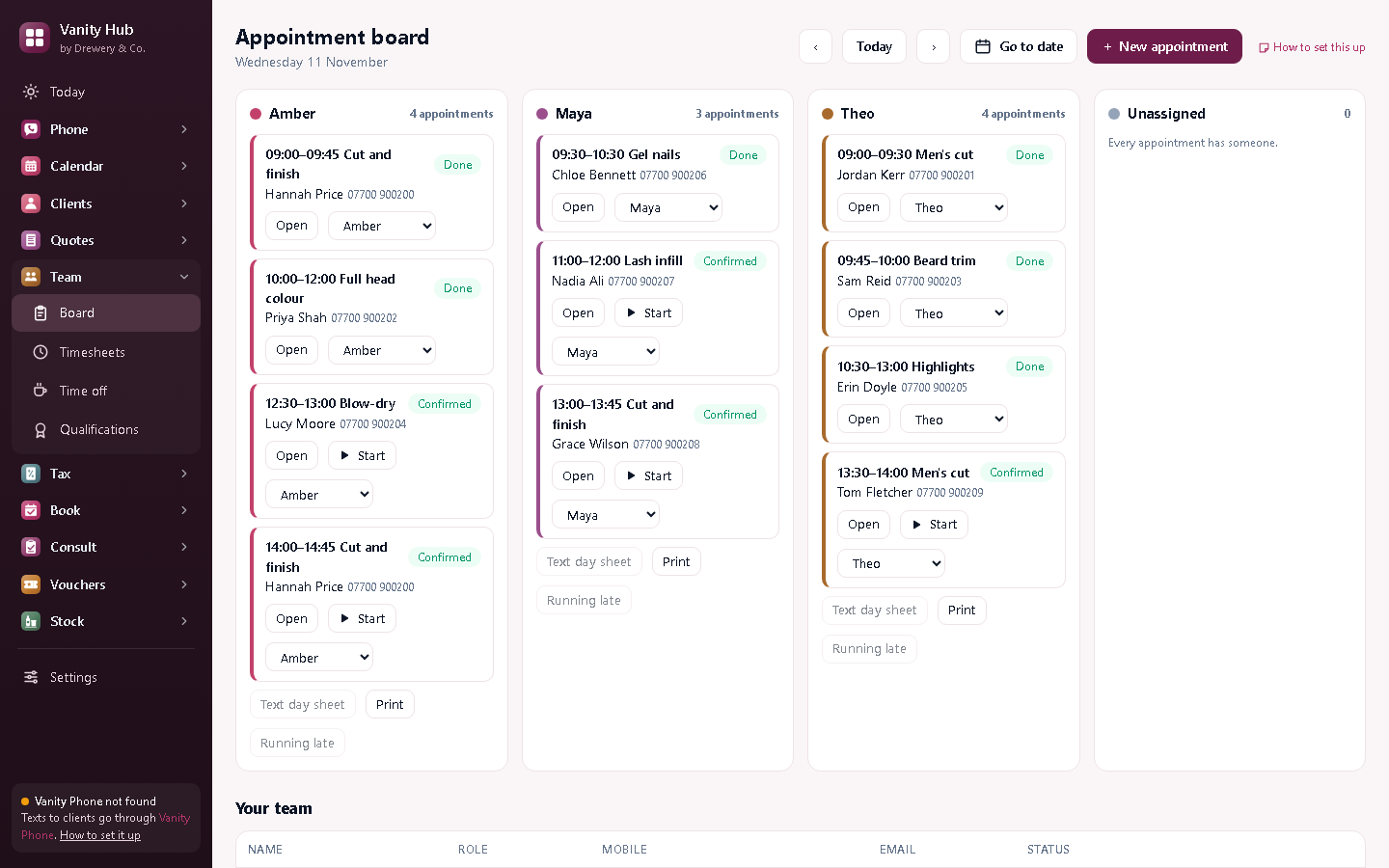
Tomorrow's day sheet, in everyone's pocket.
Each evening, everyone with appointments gets tomorrow's list by text: times, clients and services. No more checking the book at 9pm.
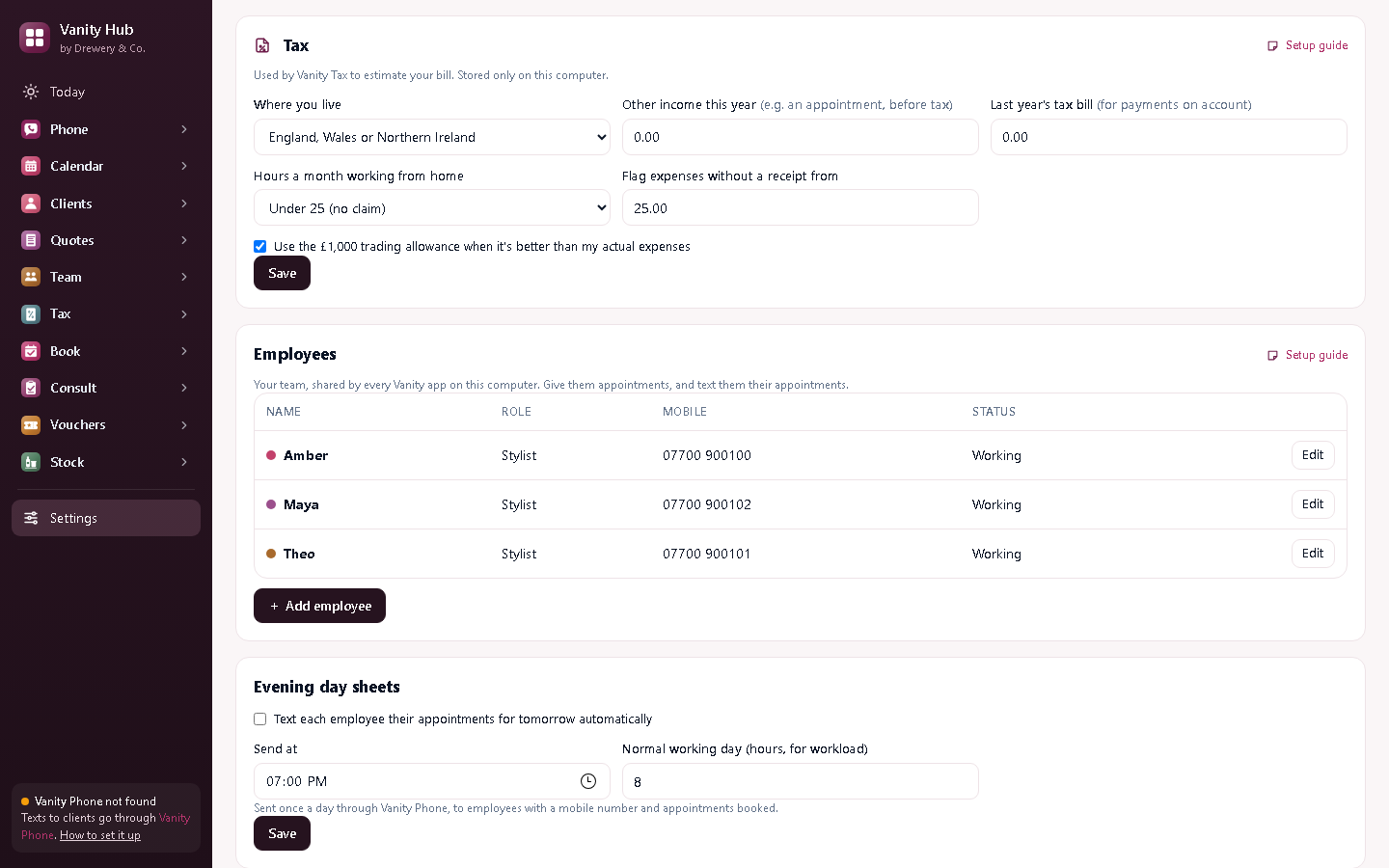
Your team's day, at a glance.
Who's in, who's off, and who's booked with whom.
Start a free 14-day trialEverything in Vanity Team
The daily board
Everyone's day at a glance, by stylist or therapist.
Day sheets by text
Tomorrow's appointments texted to each person every evening.
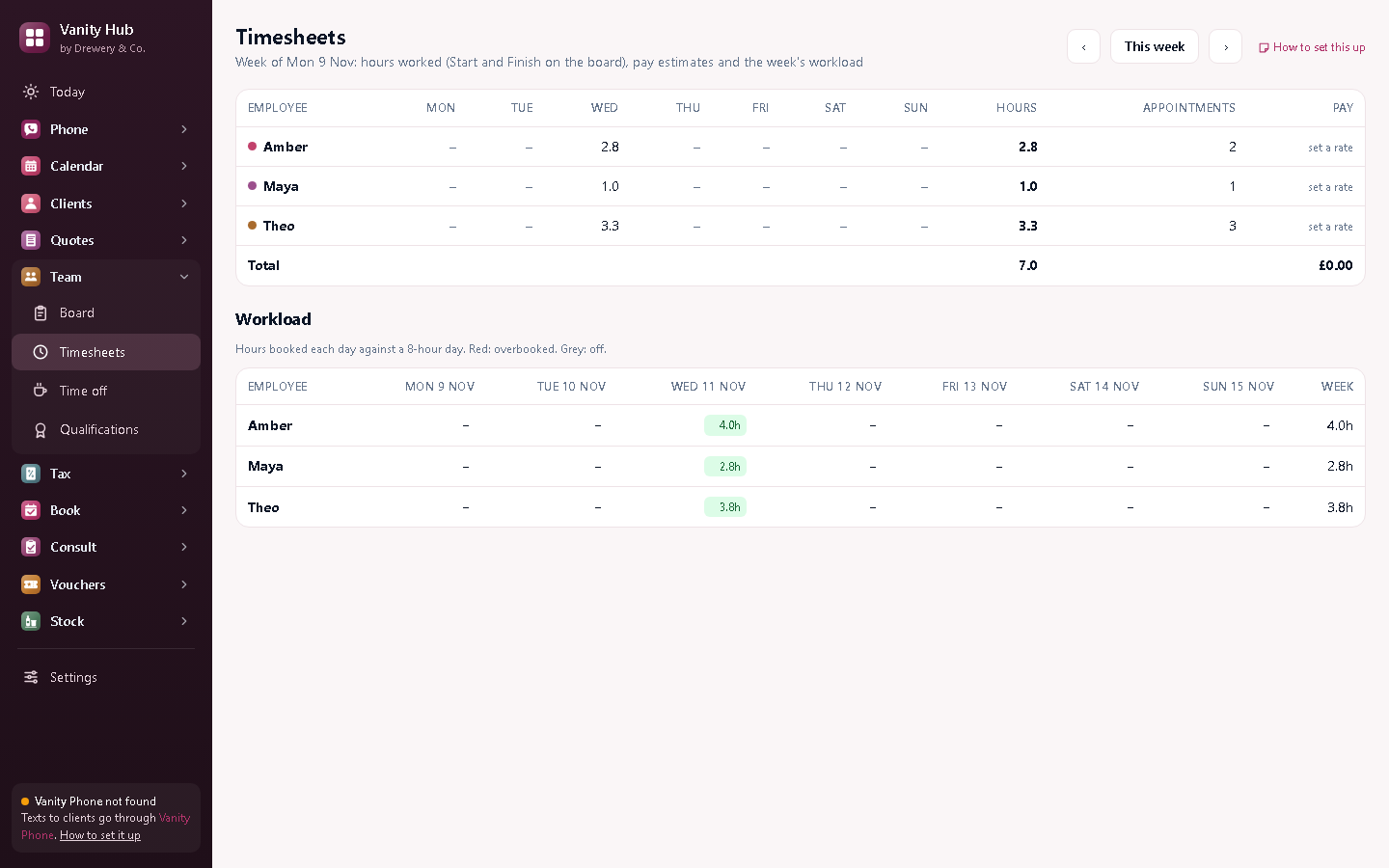
Timesheets
Hours worked, and what they'll cost you in pay.
Holidays and time off
Who's off and when, so nobody's booked in on their day off.
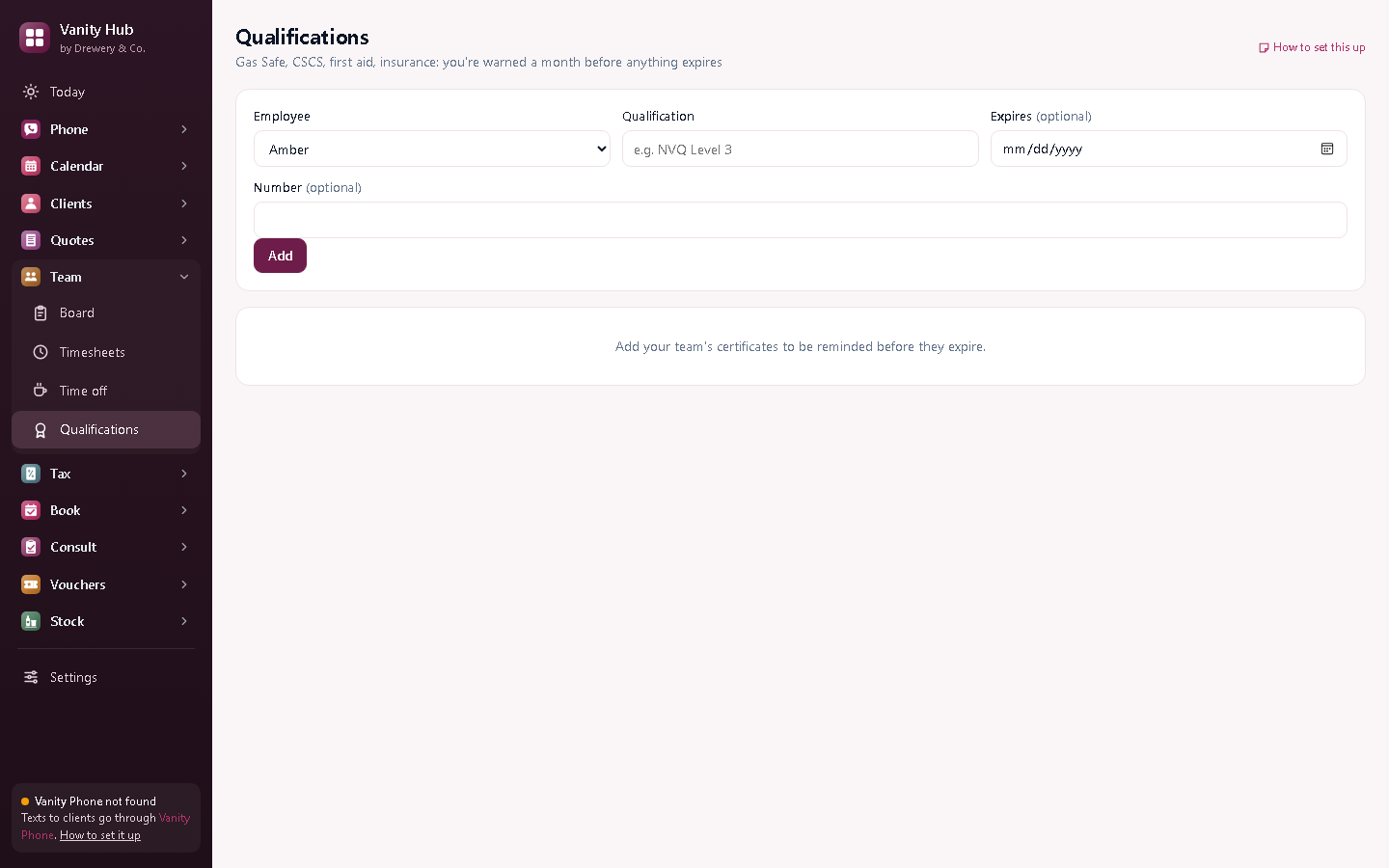
Qualifications
NVQs, insurance and training, with a warning before anything runs out.
Team access
Your team see their own day from their phone or PC over the salon's Wi-Fi, each with their own PIN.
Better with the other Vanity apps
Each Vanity app works on its own. Put two or more on the same PC and they share your clients, column book and team.
- Includes the Vanity Calendar column book
- Day sheets go out through Vanity Phone
- Wages paid to your team show in Vanity Tax
Want them all?
Vanity Hub is all six Vanity apps in one window, Vanity Phone included, for £49 a month (worth £79 separately, so you save £30).
Do I need a licence for each stylist?
No. One licence on your main computer: your team connect to it over your own Wi-Fi.
Is it for employees or self-employed stylists?
Both. Add everyone who works in your salon, whether you pay them wages or they rent a chair.
Can my staff use it on their own PC or phone?
Yes. Your licence stays on your main computer, and your staff connect to it over your own Wi-Fi: install the app on their PC and choose "Connect to the main computer", or open it in their phone's browser. Each person signs in with their own PIN, and you choose whether they see just their own appointments or the whole office.
How do I buy it?
Request a licence and we'll email an invoice. Pay by bank transfer, and your licence key arrives by email. Each key works on one computer. Choose how many months you want (1 to 120), and nothing renews unless you pay the renewal invoice.
 Phone£25 a month
 Calendar£10 a month
 Customers£8 a month
 Quotes£12 a month
 Tax£9 a month
 Book£6 a month
 Pay£5 a month
 Consult£6 a month
 Vouchers£6 a month
 Stock£5 a month